Shopping Feed Google Tips to Improve Product Visibility
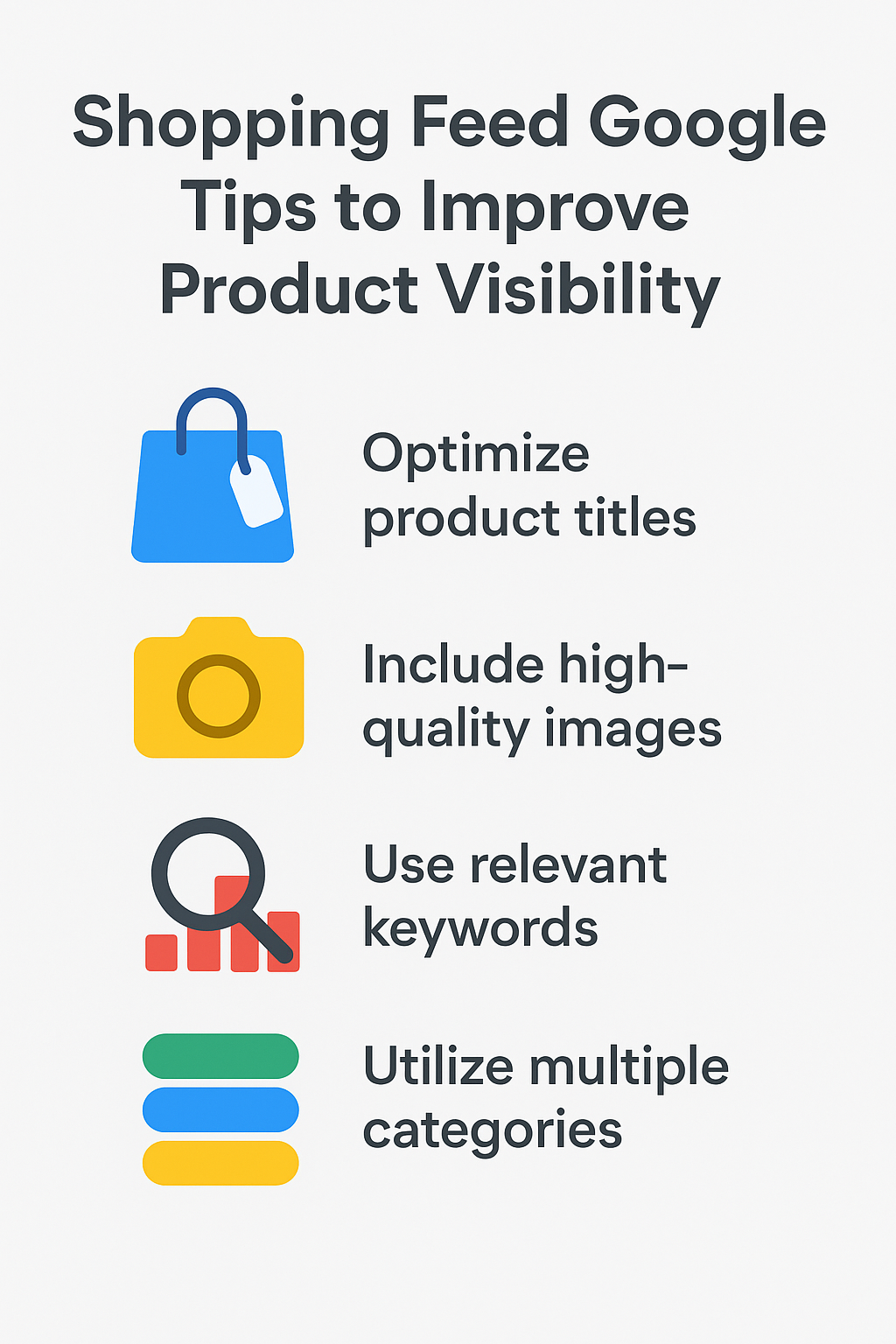
If you want your products to reach more potential customers, improving the quality of your Shopping feed is one of the best strategies you can use. Many advertisers focus on bidding or campaign settings, but the truth is that your feed plays the leading role in how Google understands your items and decides when to show them. A well structured shopping feed Google relies on accurate information, strong titles, rich descriptions, and complete attributes to match your products with the right searches.
When your feed is optimized correctly, your products appear more frequently, rank better, and receive higher quality clicks. This guide will walk you through practical tips to improve product visibility and make your shopping feed more competitive.
Short Intro
A strong shopping feed Google uses to serve your products should include clear titles, helpful descriptions, accurate identifiers, high quality images, complete attributes, and frequent updates. Better feed quality leads to better visibility, improved search matching, and more sales.
Why Product Visibility Depends on Feed Quality
How Google Uses Your Feed
Google Shopping ads do not rely on keywords. Instead, Google scans your feed to understand what you sell. This means your product data influences visibility more than your bidding strategy. Titles, descriptions, identifiers, and attributes determine which searches your products appear for.
Why Visibility Improves With Better Feed Data
- More accurate matching
- Higher impression share
- Better ranking potential
- More qualified traffic
- Lower wasted spending
- When your feed is rich and complete, Google confidently shows your listings to shoppers who are actively searching for products like yours.
Essential Tips to Improve Product Visibility
Use Strong and Informative Product Titles
Titles are the most important element in your feed. They help Google determine search relevance and also influence click through rates. Make your titles clear, descriptive, and structured with key attributes such as brand, product type, size, color, or model.
A clear title increases your chances of appearing for relevant searches and encourages more users to engage with your listing.
Write Detailed and Natural Descriptions
Your product description gives Google extra context about what you sell. Explain the features, benefits, and unique qualities of your item. Write naturally and include relevant search terms without forcing them.
A helpful description boosts relevance and helps your products appear for more long tail searches.
Use High Quality Product Images
Images play an important role in click through rates. Shoppers decide within seconds whether to click on your listing based on the product photo. Use clean, clear, bright images that show your product from the best angle.
Uploading additional images gives buyers a better understanding of the product and supports better performance.
Provide Accurate Product Identifiers
GTINs, MPNs, and brand fields are essential for classification. These identifiers help Google match your product with its database. When identifiers are missing or incorrect, your visibility may drop significantly.
Correct identifiers make your products more competitive, especially in markets where many sellers offer similar items.
Complete All Relevant Attributes
Attributes such as color, size, gender, age group, material, and product type help Google match your products with more specific searches. The more details you provide, the better Google can understand your items.
Leaving optional attributes empty limits your visibility and reduces your chance of appearing for targeted searches.
Use the Correct Google Product Category
Assign a precise category to each product. This helps Google classify your items accurately and ensures better matching with shopper queries.
A well chosen category gives Google confidence and increases your ranking potential.
Keep Pricing and Stock Information Updated
Google prioritizes products with accurate and reliable data. If your price or stock levels are outdated, your products may be disapproved or show less frequently. Make sure your feed stays updated daily.
Accurate data builds trust and keeps your listings active.
Optimize Product Types for Better Classification
The product type field is your chance to give Google more details. You can use a custom path, such as Clothing Women Dresses Summer Dresses. This gives Google a clearer understanding and improves matching.
A strong product type structure improves visibility and overall performance.
Improve Your Landing Pages
Google evaluates both your feed and your landing page. Make sure your landing pages are clean, fast, and relevant to the product listed in your feed. If the page does not match the product information, your performance may suffer.
A good landing page increases conversion potential and enhances Google’s trust in your store.
Monitor Merchant Center Diagnostics
Merchant Center provides warnings, errors, and suggestions. These messages help you understand issues affecting visibility. Fix any warnings or errors immediately to avoid performance drops.
Solving issues quickly ensures your shopping feed Google continues to perform well.
Advanced Tips to Boost Visibility
Add Multiple Images
Google allows multiple images. Use them to show different angles, styles, or uses. More images create a better shopping experience and improve click through rates.
Use High Value Keywords Naturally in Titles
Google does not rely on keywords the same way search campaigns do, but keyword rich titles help Google understand your products better. Use strategic phrases naturally to improve matching.
Improve Your Brand Presence
Strong branding increases user trust. Include brand names in titles whenever possible. Brand recognition improves clicks and helps you stand out from competitors.
Use Consistent Formatting
A consistent structure across your feed helps Google process and categorize your products more efficiently. It also improves user experience when they browse your listings.
Common Mistakes That Hurt Product Visibility
Using Generic Titles
Weak titles reduce search matching and limit visibility.
Missing Product Identifiers
Missing GTINs can lead to limited exposure or disapproval.
Poor Image Quality
Low quality or unclear photos reduce click through rates.
Ignoring Merchant Center Warnings
Warnings often indicate issues that affect eligibility or ranking.
Not Updating the Feed Regularly
Outdated prices or stock information reduce trust and may cause disapprovals.
Avoiding these mistakes ensures your products stay active and visible.
Final Thoughts
Improving product visibility begins with optimizing your product data. A strong and complete shopping feed Google relies on accurate titles, detailed descriptions, quality images, correct identifiers, and up to date information. When you give Google everything it needs to understand your products, you unlock more impressions, a higher ranking position, and better quality traffic. With continuous improvements, your feed becomes a powerful asset that drives long term growth and more sales.
FAQs
Why is a shopping feed important?
It provides Google with essential product information to match your items with relevant searches.
How do I improve my product visibility?
Enhance your titles, descriptions, images, attributes, and identifiers to help Google understand your products better.
How often should I update my feed?
Daily updates are recommended, especially for price or stock changes.
What hurts visibility the most?
Weak titles, missing identifiers, poor images, and ignoring Merchant Center warnings can significantly reduce visibility.