English VB for Teachers: Running One App Across a Whole Class
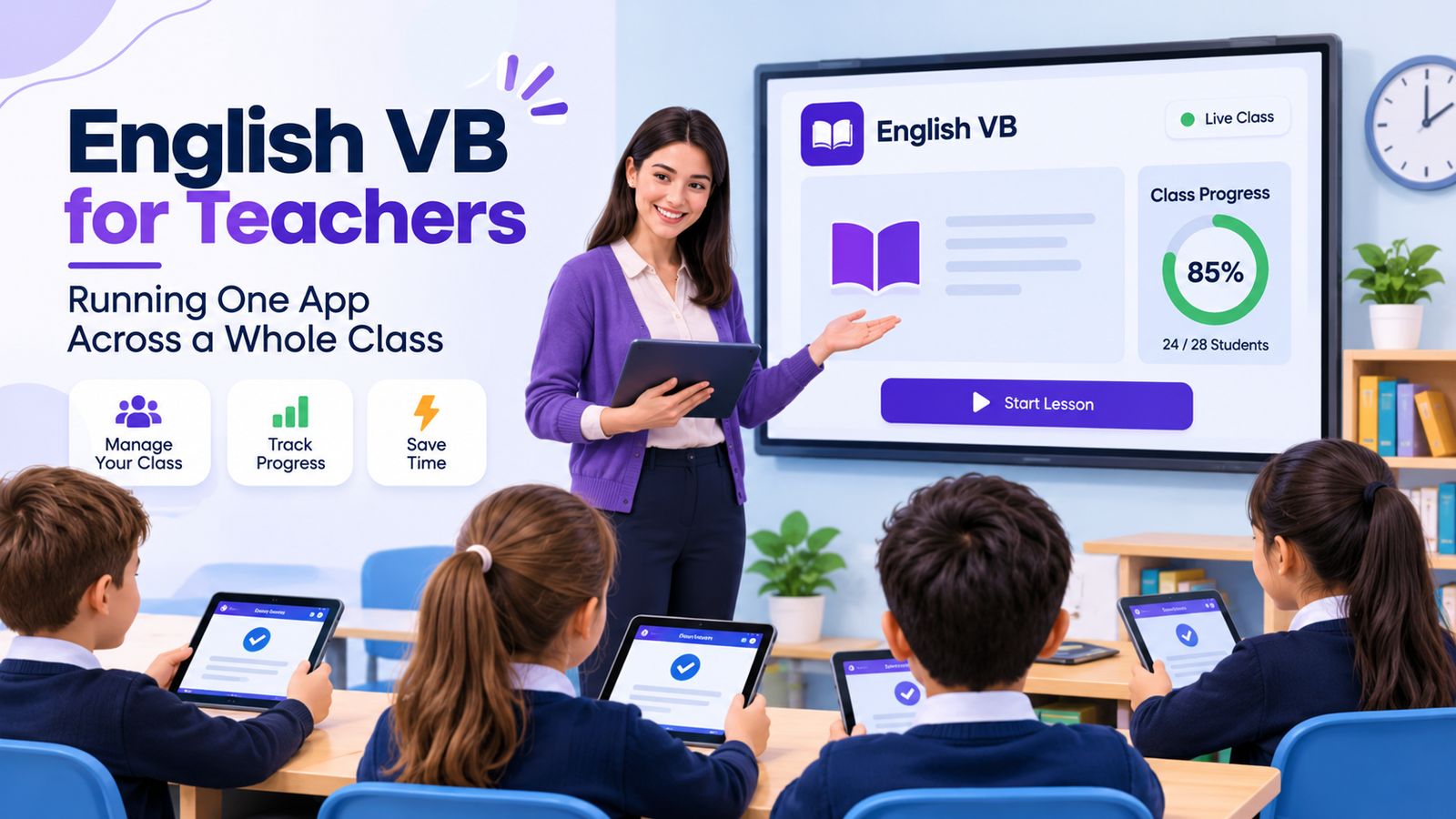
Most classroom technology is sold to teachers on the promise of dashboards, assignments and reporting. English VB offers none of that. It is a small, single purpose app with no accounts, no teacher portal and no way to see what a student did. Which raises a fair question: is there any classroom use for it at all? The answer is yes, but only if you understand what it is good for. Its picture-based vocabulary learning approach makes it a useful warm up and diagnostic tool, not a platform.
This is an honest look at what works, what does not, and how to run it with a class of thirty rather than a single learner.
What the App Can and Cannot Do in a Classroom
It holds more than 700 English words across more than 30 topics, each paired with an image, with flashcards and quizzes on top. It tracks a score for every word and has a mode that drills the six weakest words in a topic.
What it does not have is any multi user capability. There is no class code, no assignment feature, no progress export and no way for you to see a student’s results remotely. Every bit of data stays on the device it was created on.
The Single Profile Problem
This is the first thing to plan around. The app keeps one set of scores with no separate profiles, so a shared tablet mixes every student’s results together.
On a shared device set, that makes the progress graph meaningless and sends the drilling mode after the wrong words. On one to one devices it works properly. Decide which situation you are in before building a lesson around it.
Using It on a Shared Set of Devices
If your school has a trolley of iPads rather than one each, use the app only for activities that do not depend on tracking. Flashcard rounds and quiz practice work fine, because the value is in the repetition rather than the record.
Treat it as a vocabulary builder app for live practice and keep your own records on paper or in your usual system. Trying to use its scores across shared hardware will only mislead you.
Mapping Topics to Your Syllabus
The topics are everyday categories rather than graded levels: food, home, travel, clothing, work, the body, weather and so on. That makes them easy to line up against most beginner and intermediate syllabuses.
Pick the topic that matches the unit you are teaching that week rather than working through the app in order. Because nothing is locked, students can start anywhere, which is unusual and genuinely useful when your sequence does not match the app’s.
Ten Minute Warm Ups
The strongest classroom use is the start of a lesson. Five to ten minutes on the week’s topic, with students working individually, gets everyone into English before you begin.
It is quick to set up because there is no login. Devices come out, the app opens, students go straight to the topic you name. An English vocabulary app that asks for a password burns three minutes of a short activity before anyone has studied anything.
Using Target Mode as a Diagnostic
On one to one devices, the drilling mode becomes a diagnostic. It surfaces the six lowest scoring words in a topic, which is effectively a list of what that student has not learned.
Ask students to read out their six words. Within a minute you have a sense of which items the class as a whole is struggling with, and you can plan your next session around the overlap rather than guessing.
Projecting It for Whole Class Work
With no devices at all, the app still works on a single iPad or an Apple silicon Mac connected to a projector. Run the flashcards from the front and have the class call out answers.
This turns it into a presentation tool rather than a study app, and for revision at the end of a unit it is quicker than building slides yourself. Students learn English words with flashcards collectively, which also removes the shared profile problem entirely.
Homework That Does Not Need Wi-Fi
Everything is stored inside the app, so once it is installed it needs no connection at all. For classes where home internet is unreliable or expensive, that is a bigger advantage than any feature list suggests.
You can set a topic as homework knowing it will open, which is not true of most platforms. There is nothing to sync and nothing to fail at the moment a student finally sits down to do it.
Budget and Licensing Realities
The app is free to download and usable without paying. The English VB all-topic unlock is a single in app purchase at £1.99, with no subscription.
Be aware of how that works across school devices. A one off purchase is tied to the Apple ID that bought it, so a class set means either buying on each device, using Apple’s volume purchasing where it applies, or asking students to buy it themselves. For a department budget it is cheap either way, but it is not a site licence.
What the Missing Audio Means for You
There is no audio anywhere in the app. For a language teacher this is the significant gap, because it means the app cannot model pronunciation and students working alone will build silent vocabulary.
You are the audio. Use the app for recognition and recall, and keep drilling pronunciation yourself or with a tool that includes recordings. Treating a silent English flashcard app as a complete resource would leave a real hole in the course.
Where It Fits Among the Tools You Already Use
Few departments need another platform, and this is not one. Think of it as sitting alongside your coursebook rather than competing with it, in the slot usually filled by printed flashcards or a quick starter activity written on the board.
Against a printed set it wins on preparation time and on the scoring it keeps per word. Against a full English vocabulary builder platform it loses on reporting and breadth. The sensible position is to use it for the narrow job it does quickly and leave assessment to whatever system you already trust.
Who It Suits in a Teaching Context
It fits teachers of beginner to intermediate learners who want quick vocabulary practice with no admin. It fits one to one device schools better than shared trolleys, and ESL contexts where students already read some English better than absolute beginner classes, since the interface is English only.
It does not fit anyone who needs to report on student progress, set tracked assignments, or teach grammar and conversation through the same tool.
Conclusion
Judged as a classroom platform, English VB falls short, because it was never built to be one. Judged as a ten minute warm up, a revision projector, or a diagnostic that tells you which words have not landed, it earns its place and costs almost nothing. As a free English vocabulary app you can test it with one class for a week without touching a budget, and you will know quickly whether the lack of tracking is a dealbreaker or a relief.